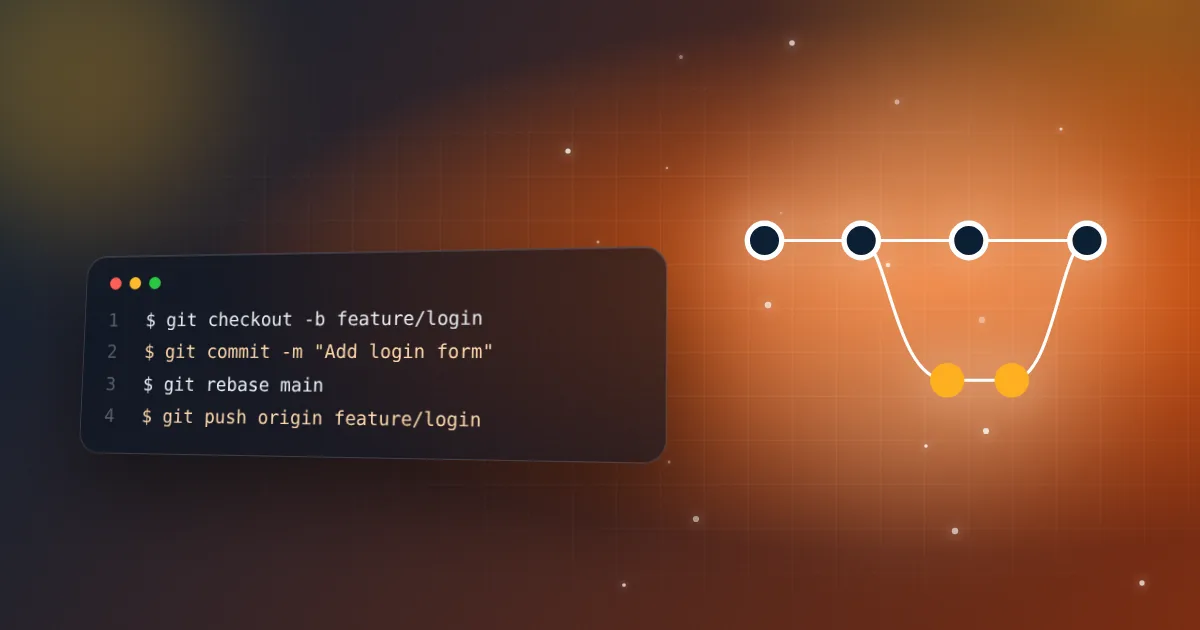
Knowing Git commands is one thing. Knowing how a team should organise its branches is what senior interviewers ask about. This guide explains the three strategies you will meet, and how to choose between them.
1. What is a branching strategy and why does a team need one?
A branching strategy is an agreement about how work moves from an idea to production: where changes are made, how they are reviewed, and which branch is allowed to be released. Without one, teams get long-lived branches, painful merges and unclear answers to "what is in production right now?".
2. What is GitHub Flow?
GitHub Flow is the simplest popular strategy. There is one long-lived branch, main, and it is always deployable.
- Create a short branch from
main, such asfix/login-error. - Commit your work and push the branch.
- Open a pull request, get a review and let the checks run.
- Merge into
mainand deploy. - Delete the branch.
It suits web apps and sites that deploy often, which is why most small teams and open-source projects use it.
3. What is Git Flow and when does it make sense?
Git Flow uses several long-lived branches: main for released code, develop for the next release, plus feature/*, release/* and hotfix/* branches. Features merge into develop, a release branch is cut for testing and bug fixing, and then it is merged into both main and develop.
It fits software with versioned releases and several supported versions, such as desktop or mobile apps and libraries. For a website that deploys many times a day it is usually too heavy, and its creator has said so himself.
4. What is trunk-based development?
Everyone commits to one shared branch, the trunk (main), in small steps, either directly or through very short-lived branches that last hours or a day. Unfinished work is hidden behind feature flags so the code can be merged and deployed without users seeing it.
It needs strong automated tests and fast CI, but it removes long-lived branches and big merge conflicts. Teams that deploy continuously often use it.
5. How do you choose between them?
- Small team, website or web app, deploys often: GitHub Flow.
- Versioned releases or several supported versions: Git Flow (or release branches).
- Mature CI, many daily deploys and feature flags: trunk-based.
The honest interview answer is "it depends on how we release", then name the trade-off. Strategy matters less than keeping branches short and merges small.
6. What is the difference between merge, squash merge and rebase merge?
When a pull request is accepted, hosting platforms usually offer three options:
- Merge commit keeps every commit and adds a merge commit. History is complete, but noisier.
- Squash and merge combines the whole branch into one commit on
main. History is clean and each commit equals one PR, but you lose the individual commits. - Rebase and merge replays your commits on top of
mainwith no merge commit. History is linear and detailed, but commit hashes change.
Many teams squash by default, so that main reads like a list of changes.
7. What is a release branch and a hotfix branch?
A release branch is cut from the main line when a version is ready for stabilisation. Only bug fixes go in, while new features continue on the main line. A hotfix is an urgent fix for production, made from the released code and merged back so the fix is not lost.
git switch -c hotfix/payment-crash main
# fix, commit, open a PR, merge, deploy
8. What is branch protection?
Branch protection rules stop mistakes on important branches such as main. Typical settings: require a pull request, require at least one approval, require status checks like tests and lint to pass, block force pushes and block deleting the branch. It turns your strategy from a habit into something the platform enforces.
9. What makes a good branch name and commit message?
Use a short, consistent pattern that shows the type and the purpose, such as feature/add-search or fix/mobile-menu. For commits, write in the imperative and explain why: "Fix menu closing on route change". Some teams use Conventional Commits, such as feat:, fix: and docs:, so changelogs and versions can be generated automatically.
10. How do you keep a long-running branch from becoming a problem?
Merge or rebase main into your branch often, so differences stay small. Split big work into smaller pull requests that can each ship, and hide unfinished parts behind a feature flag. The longer a branch lives, the more it diverges, and the harder the merge becomes.
git fetch origin
git rebase origin/main   # or: git merge origin/main
11. What are good pull request habits?
Keep pull requests small, ideally a few hundred lines at most, and focused on one change. Write a description that says what changed and why, and link the issue. Review for correctness and clarity, not style, and let the linter handle style. Small reviews are faster, safer and easier to revert.
Quick revision checklist
- GitHub Flow: short branches off a deployable
main. - Git Flow:
develop, release and hotfix branches for versioned software. - Trunk-based: tiny, frequent merges with feature flags.
- Squash gives a clean history, merge commit keeps everything, and rebase gives a straight line.
- Protect
main, keep branches short and keep pull requests small.
Related resources
Sponsored
Keep practicing
Follow the topic-by-topic checklist and turn what you read into interview-ready answers.
Keep reading
Git interview questions every frontend developer should know
Merge vs rebase, resetting, stashing and fixing mistakes: the Git answers that show real experience.
5 min read · Oct 18, 2026
FrontendXSS, CSRF and CORS explained: frontend security interview questions
The difference between XSS, CSRF and CORS, how React protects you, where to store tokens, what a preflight request is and how to fix the common CORS error.
8 min read · Oct 31, 2026